
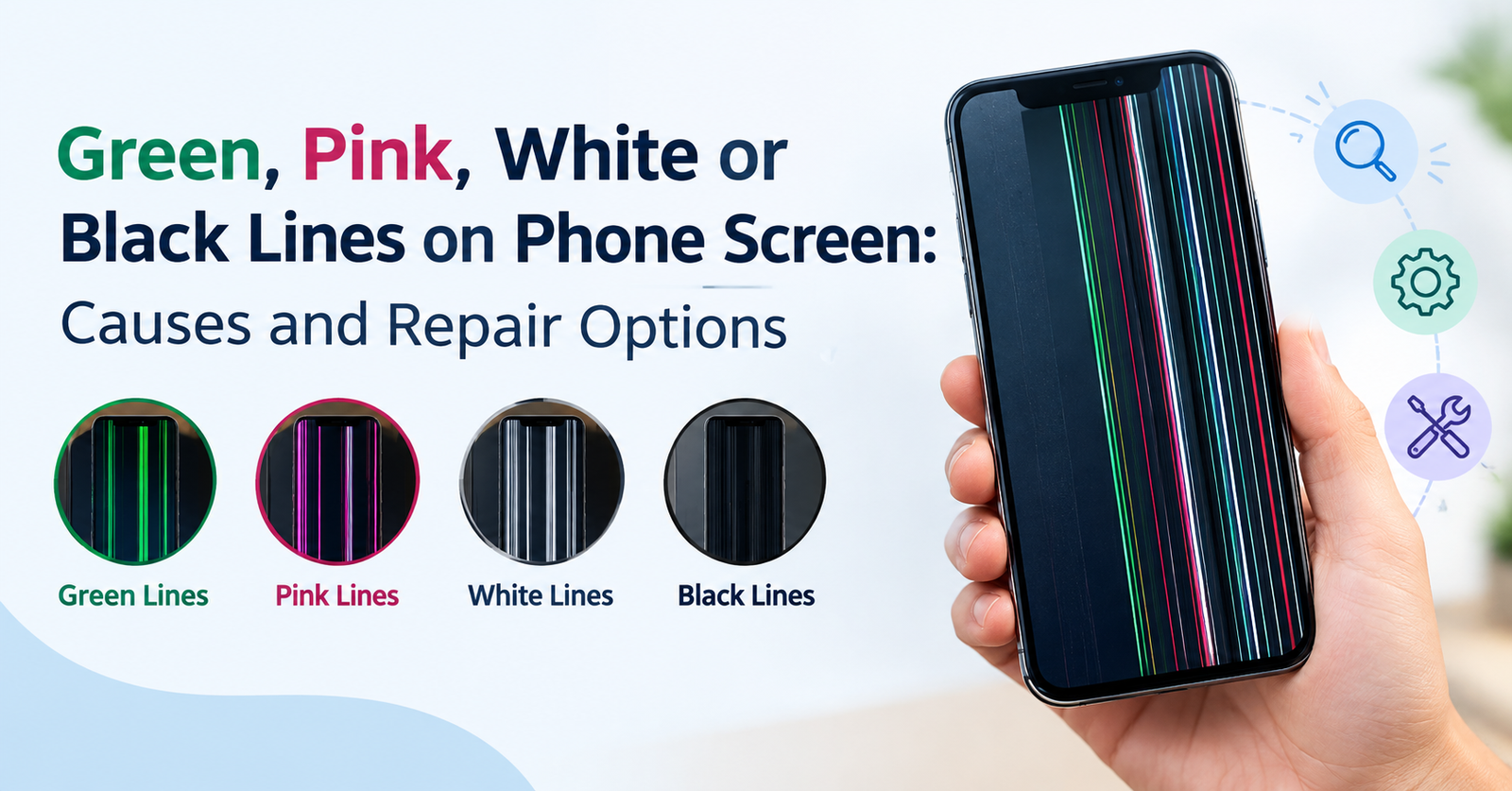
Seeing a green, pink, white, or black line suddenly appear on your phone screen can be worrying. In many cases, the phone itself is still working normally. You may be able to receive calls, hear notifications, and use the buttons, but a line remains visible across the display.
Sometimes the line appears after the phone has been dropped. In other cases, it can show up without any visible damage. A software update, heat, moisture, pressure on the screen, or a problem with the display panel may be responsible.
The important thing is to understand what type of problem you are dealing with before deciding whether the screen needs to be replaced.
What Do the Lines on a Phone Screen Mean?
A line on a phone display usually means that something is wrong with the way the screen produces or receives the image.
Modern smartphones use LCD, OLED, or AMOLED display panels. These screens contain very small rows and columns of pixels. The display also has connections that carry power and image signals between the panel and the phone's main board.
If one of these components becomes damaged or stops working correctly, a line can appear.
The line may be:
- Green
- Pink
- White
- Black
- Purple
- Yellow
- Sometimes several colours at once
The appearance of the line can provide a clue, but it does not always tell you exactly what has failed.
Why Does a Green Line Appear on a Phone Screen?
Green lines are commonly reported on OLED and AMOLED displays. A single thin green line may run from the top of the screen to the bottom. It may remain in exactly the same position even after restarting the phone.
One possible reason is a failure in the display panel or its internal connections. OLED screens have individual components responsible for controlling pixels. If part of the panel or its connection develops a fault, a vertical line can remain permanently visible.
A green line can also appear after physical stress or exposure to excessive heat.
It is worth mentioning that people sometimes notice a green line after a software update and assume that the update physically damaged the display. The timing can be confusing. In some situations, an update may expose or trigger an existing display problem, while in others the issue may be completely unrelated to the software.
What Causes Pink or White Lines?
Pink and white lines can have similar causes.
A white line may indicate that a group of pixels is receiving an incorrect signal or is stuck in an active state. A pink or purple line can occur when certain colour channels in the display are not working properly.
These problems may develop because of:
- Internal display damage
- A loose or damaged display connection
- Pressure on the phone
- A previous drop or impact
- Excessive heat
- Moisture inside the phone
- Manufacturing or panel-related faults
- Long-term wear of the display
If the line appeared without a drop or visible crack, that does not necessarily mean the screen is physically fine. Internal damage can occur without leaving a mark on the glass.
What About a Black Line on the Screen?
Black lines are slightly different because they can indicate that a section of pixels is no longer producing light.
A black vertical or horizontal line may become visible after the phone has been dropped, bent, squeezed, or exposed to pressure. It can also result from damage inside the display panel.
If the black area begins as a thin line and gradually becomes wider, the display may have suffered internal damage.
Do not press hard on the affected area to see whether it goes away. Pressure can make an already damaged panel worse.
Can a Software Problem Cause Screen Lines?
Not every display problem is hardware-related.
Before assuming that the screen needs replacement, you can perform a few simple checks.
First, restart the phone. If the line disappears and does not return, a temporary software or display-driver issue may have been involved.
You can also take a screenshot and open it on another device. If the line does not appear in the screenshot, the problem is likely related to the physical display rather than the image being generated by the phone's software.
This is a useful test because screenshots capture the image data sent to the display. They do not capture physical defects in the screen panel itself.
If the line appears in the screenshot as well, there may be a software or graphics-related problem that needs further checking.
Can a Screen Line Be Fixed Without Replacing the Screen?
That depends on what caused it.
If the problem is caused by a temporary software issue, a restart, system update, or software troubleshooting may resolve it.
If the display connector has become loose, a technician may be able to inspect and reconnect it. However, this should not be attempted casually because the connectors and display components inside modern phones are delicate.
If the actual display panel is damaged, repairing individual pixels or removing a permanent line is usually not a practical solution. In such cases, replacing the display assembly is often the more reliable repair.
There are apps and online videos that claim to fix dead pixels or remove coloured lines. These methods may help with certain temporary pixel issues, but they cannot repair a physically damaged OLED or LCD panel.
What Should You Do When a Line First Appears?
If you suddenly notice a line, avoid repeatedly pressing or bending the phone.
Instead, try these basic steps:
Restart the phone.
Check whether the line remains after the device starts again.
Check the screen at different brightness levels.
Notice whether the line changes, disappears, or becomes more visible.
Take a screenshot.
View the screenshot on another phone or computer to help determine whether the problem is with the display itself.
Look for physical damage.
Check for cracks, dents, pressure marks, or signs that the phone has been bent.
Think about recent events.
Was the phone dropped? Was it exposed to water? Did the problem start after charging, overheating, or a software update?
These details can help identify the likely cause.
What If the Phone Was Dropped?
A phone does not need to have a cracked screen to suffer display damage.
An impact can damage the internal layers of the display or affect the connection between the screen and the phone's main board. This is why a line may appear even when the outer glass looks completely normal.
If the line appeared immediately after a fall, hardware damage becomes more likely.
The same applies if you notice other symptoms such as flickering, dark patches, touch problems, or rapidly changing colours.
What If Water Caused the Problem?
Moisture can also affect a phone display.
If the phone has recently been exposed to water and a line appears afterward, turn the device off if possible. Avoid repeatedly switching it on to check whether it works.
Do not use a hair dryer or another strong heat source to dry the phone. Heat can cause additional damage to internal components.
Water damage can affect more than the display, so even if the line disappears temporarily, the phone should be checked if there are other unusual symptoms.
When Is Screen Replacement Necessary?
Screen replacement becomes more likely when the line:
- Remains after restarting the phone
- Appears on the startup or boot screen
- Does not appear in screenshots
- Is accompanied by flickering or black patches
- Started after a drop or pressure
- Gets wider or develops into multiple lines
- Appears together with touch problems
- Remains at every brightness level
A technician can inspect the phone and determine whether the problem is related to the display panel, connector, or another component.
Final Thoughts
A green, pink, white, or black line does not always mean that your phone is completely damaged. Sometimes the cause is software-related or connected to the display connection. In other cases, the actual screen panel has failed and needs to be replaced.
The colour of the line can provide a clue, but it is not enough to identify the exact fault.
Start with simple checks such as restarting the phone and taking a screenshot. If the line remains, especially after a drop, water exposure, or overheating, it is better to have the device inspected rather than trying random fixes.
If you need a screen check or repair without visiting a shop, Ongofix is the fastest doorstep mobile repair service provider, bringing mobile repair services directly to your doorstep. A technician can inspect the issue and help determine whether the screen needs repair or replacement.
Most importantly, avoid pressing, bending, heating, or opening the phone yourself. A small display problem can become a larger one if the panel or its connections are damaged further.